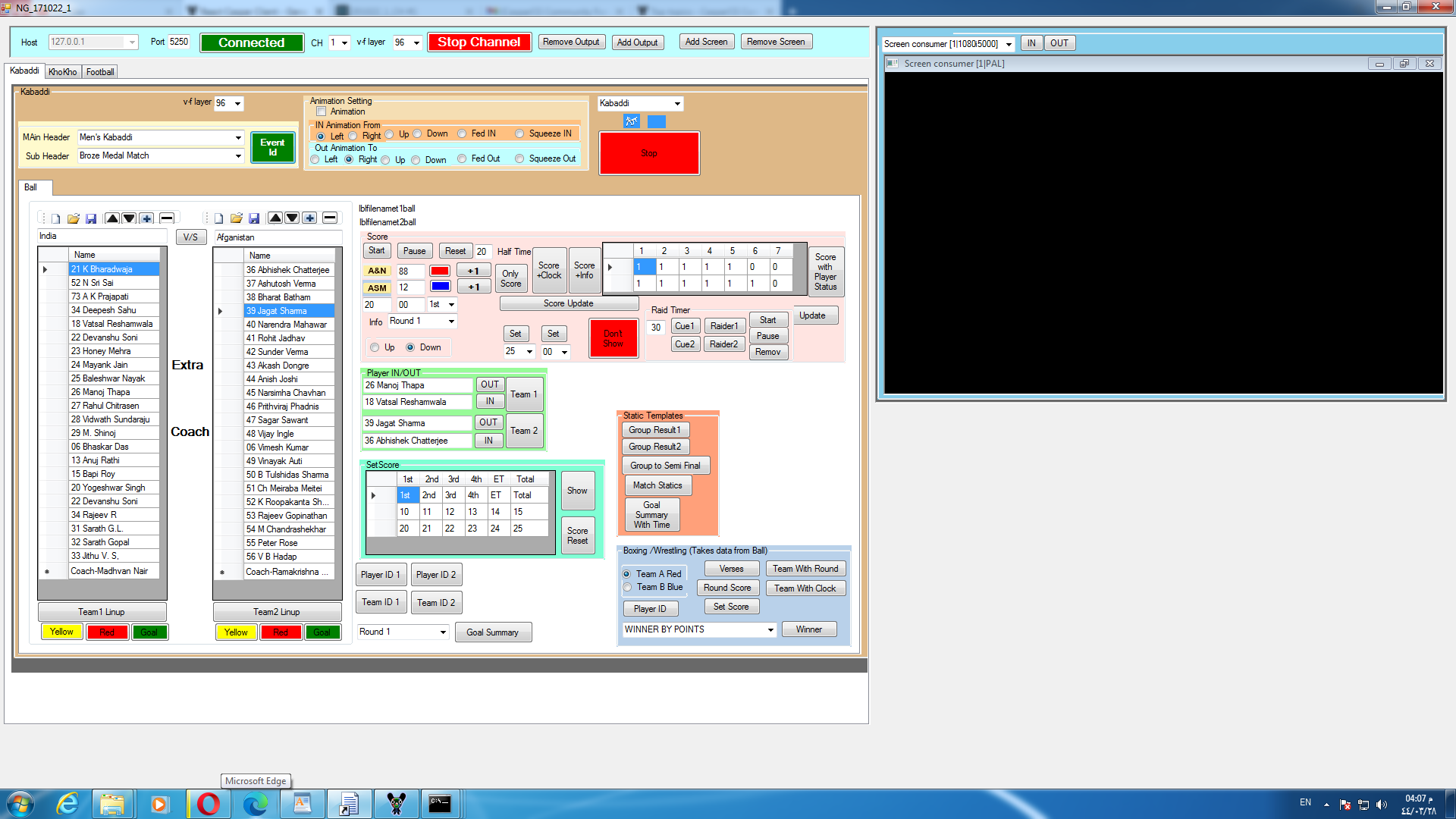
Path modifier in RCC.

Path modifier in RCC.
Scroll, Clock and Breaking News

Kabaddi Score template and client

Multibullet Scroller in RCC.

Html template with RCC
Sample Client software Sample Client with html template

Html template in Standard client
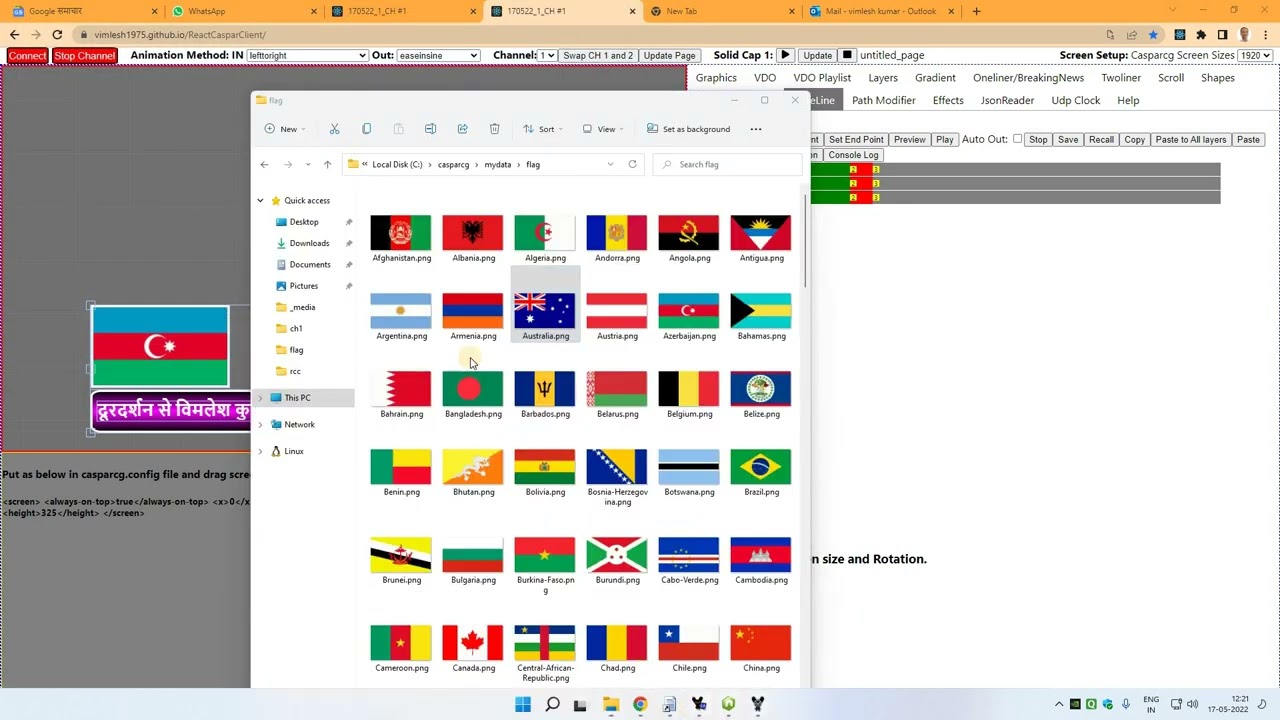
Link external js and css file to html template
Download files
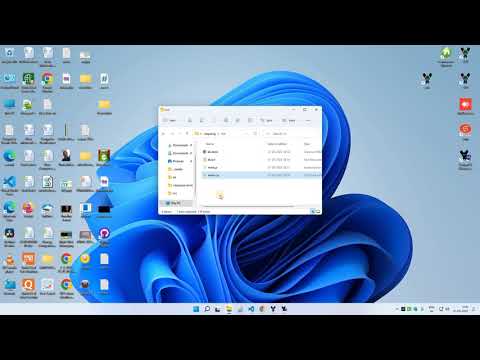
Text Alignment And ShrinkToFit in RCC

Thank you Vimlesh Ji for sharing the wonderful application. 
I would like to request Vimlesh Ji to add horizontal and vertical lines on the shapes for easy designs. We are currently using CMP for CG,Video logger and ingest purpose. Now we are changing our CG to RCC. Vimlesh Ji keep sharing. 
Multicolor Gradient in RCC

https://bit.ly/3PCcHP6
Football Client with RCC template

Lovely CG program. Great work again Vimlesh.
This type of templates can be made in RCC.
Waterpolo

Gymnastic, Modern Pentatholone, Artisitic Gymnastic, Sailing, Judo, Shooting, Synchronise Swimming

Archery, Canoe Sprint, Football

football

Table Tenis

TAEKWONDO

3D in casparcg has been tried with Threejs. We need to have Config file as below
html GPU enable true and screen consumer interactive true. Only nrk version have mouse interactive.

<?xml version="1.0" encoding="utf-8"?>

<configuration>
    <paths>
        <media-path>c:/casparcg/_media/</media-path>
        <log-path>log/</log-path>
        <data-path>data/</data-path>
        <template-path>c:/casparcg/</template-path>
    </paths>
    <lock-clear-phrase>secret</lock-clear-phrase>
    <channels>
        <channel>
            <video-mode>1080i5000</video-mode>
            <consumers>
             <decklink>
                <device>1</device>
                <embedded-audio>true</embedded-audio>
            </decklink>
              <screen>
              <device>2</device>
               <always-on-top>true</always-on-top>
                <x>0</x>
                 <y>680</y>
                 <width>690</width>
                  <height>325</height>
                <interactive>true</interactive>
                  </screen>
                <system-audio />
            </consumers>
        </channel>
    </channels>
    <controllers>
        <tcp>
            <port>5250</port>
            <protocol>AMCP</protocol>
        </tcp>
    </controllers>
    <amcp>
        <media-server>
            <host>localhost</host>
            <port>8000</port>
        </media-server>
    </amcp>

<ffmpeg>
    <producer>
        <auto-deinterlace>interlaced</auto-deinterlace>
    </producer>
</ffmpeg>

<html>
    <remote-debugging-port>1024</remote-debugging-port>
    <enable-gpu>true</enable-gpu>
</html>
<flash>
    <enabled>true</enabled>

</flash>

</configuration>
Use this config file. https://drive.google.com/file/d/1YLRt9lS-bxYWl84fb08D-RNU_N9VTopf/view?usp=sharing
And We need to install football client from given setup file so that template is copied to c:/casparcg folder.
3D Scene Animation in Casparcg has been tried.

Try online
Html output From RCC for use in OBS and Vmix.

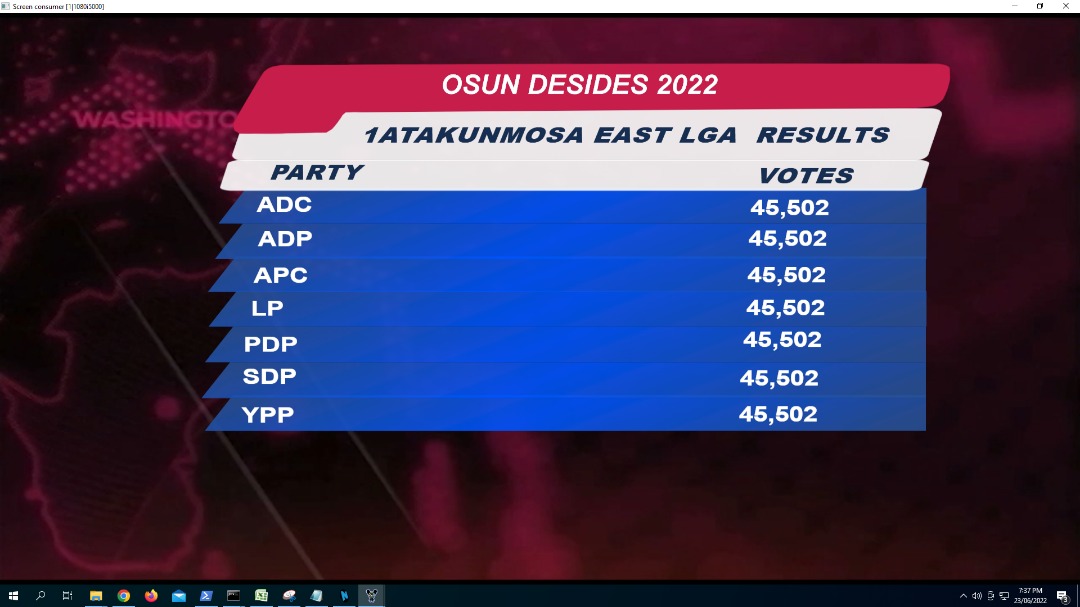
 this software. Thanks