Hello,
I use StreamShapers Ferryman for use After Effects animation (converted by Bodymovin) on CasparCG. This is a DSK created by vectorial shape. When I play the graphics it seems blurred, like the border are not precise.
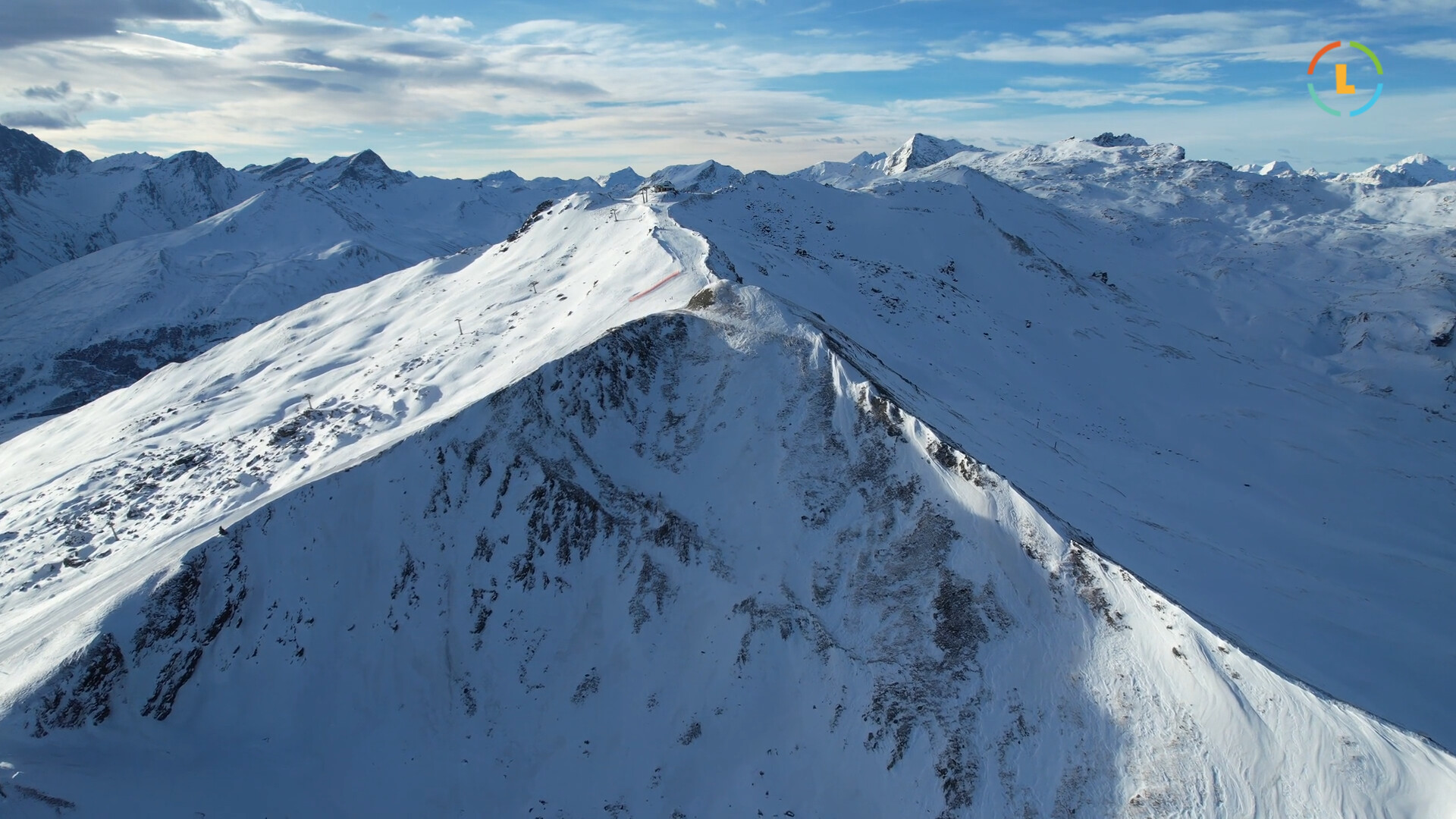
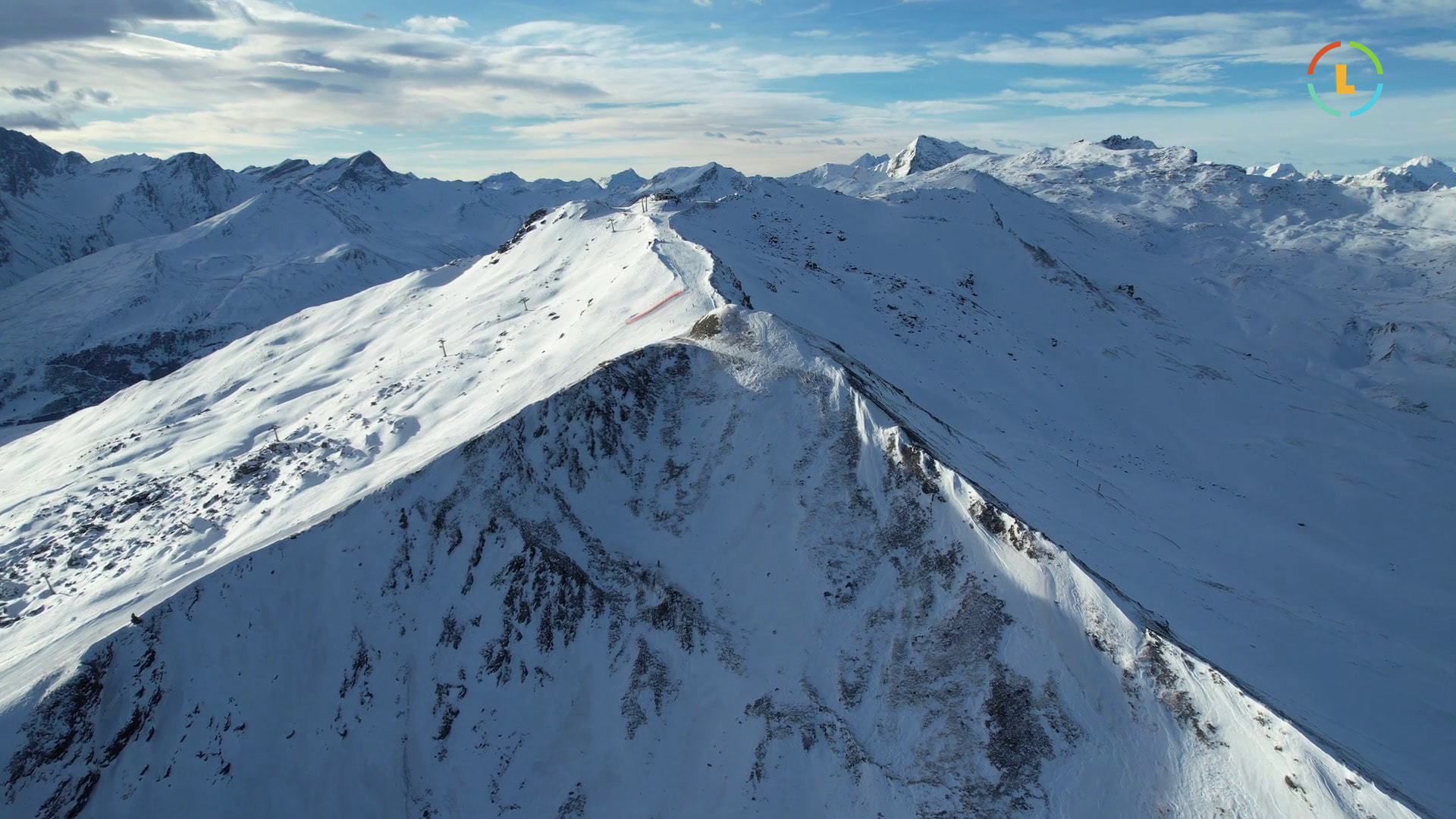
For compare I have export the animation directly in video and we look better the problem (on the left the AE export and on the right the result when play in Caspar.)

I’am thinking about a scalling or an rasterization issue but after few hours of search on this forum and in the web I don’t found any answer.
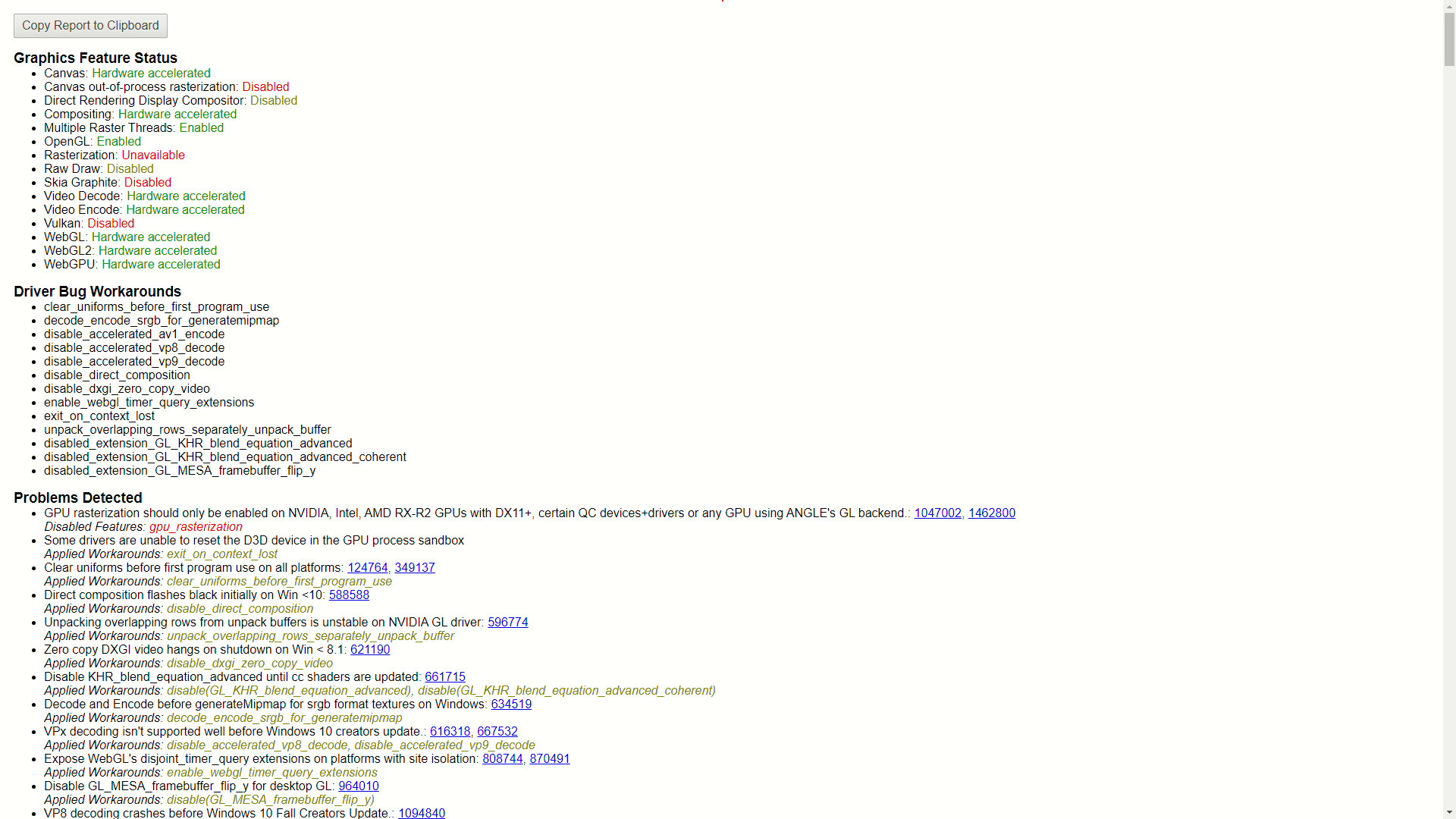
I was going into the chrome://gpu/ and this is the results (Strange results I think):
I use CasparCG 2.4.3 on WIndows 10 with an NVIDIA GeForce RTX 4060 Ti and for an extract of my config (the rest is by default)
<channels>
        <channel>
            <video-mode>1080p2500</video-mode>
            <consumers>
                <ndi>
					<name>Caspar CG 1</name>
					<allow-fields>true</allow-fields>
				</ndi>
            </consumers>
        </channel>
    </channels>
I join the JSON used in Ferryman here.
Thaks you very much by advance for you help !
Sincerely,
(Sorry for my english, Im french)