\
**Category:** General\
**Tags:** template, html, server\
**Created:** [February 11, 2024, 4:00pm UTC](https://casparcgforum.org/t/jagged-edges-in-html-graphics/6408 "2024-02-11T16:00:00Z")\
**Posts on this page:** 8\
**Page:** 1
**Author:**  [@noumaan](https://casparcgforum.org/u/noumaan)\
**Post date:** [February 11, 2024, 4:00pm UTC](https://casparcgforum.org/t/jagged-edges-in-html-graphics/6408/1 "2024-02-11T16:00:00Z")
Hi,
I am experiencing jagged edges in CasparCG HTML graphics. This issue is only present in CasparCG and does not occur when using the same HTML page in Chrome browser, vMix v26, and the latest OBS.
server: CasparCG 2.4 RC1
system: windows 10
```auto
```
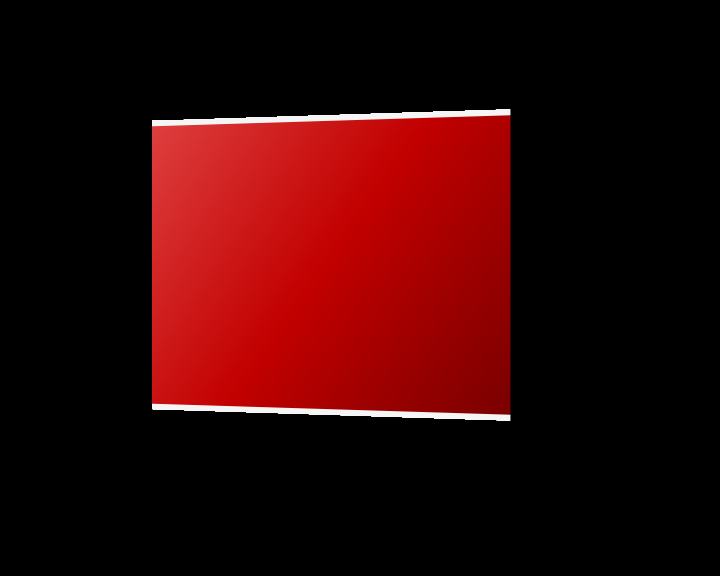
this is the output from vMix with same html
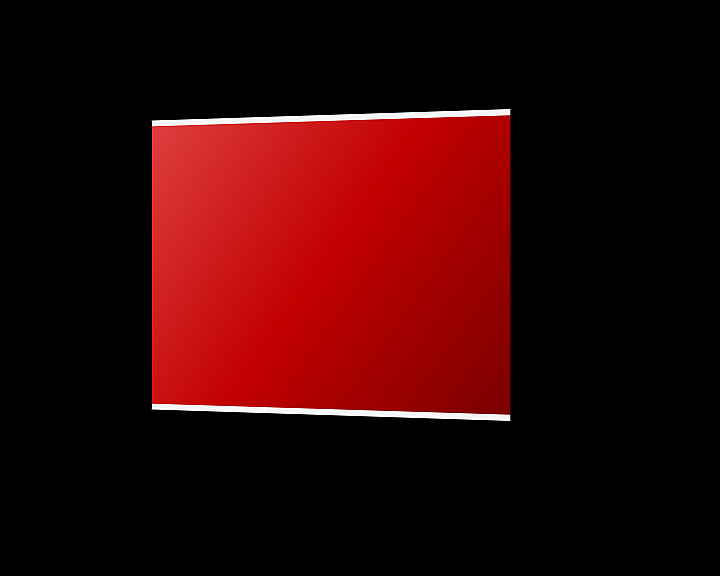
adding `outline: 2px solid transparent;` to html making it smooth in CasparCG server.

but something is still not smooth as this is the output from cg server to vmix via ndi.

---
**Author:**  [@bifuteki](https://casparcgforum.org/u/bifuteki)\
**Post date:** [February 12, 2024, 2:33am UTC](https://casparcgforum.org/t/jagged-edges-in-html-graphics/6408/2 "2024-02-12T02:33:23Z")
What is your casparcg.config file look like? That can be very telling.
---
**Author:**  [@Julusian](https://casparcgforum.org/u/Julusian)\
**Post date:** [February 12, 2024, 9:59am UTC](https://casparcgforum.org/t/jagged-edges-in-html-graphics/6408/3 "2024-02-12T09:59:48Z")
Does it look any better/different if you set `angle-backend` to `d3d11`? [server/src/shell/casparcg.config at a6fdb6a5a54cfa4ee4790e3c738d8d4853dc18eb · CasparCG/server · GitHub](https://github.com/CasparCG/server/blob/a6fdb6a5a54cfa4ee4790e3c738d8d4853dc18eb/src/shell/casparcg.config#L59)
Could OBS /VMix be injecting some CSS/JS to enable some antialiasing?
It looking different in caspar to vmix via ndi is strange, unless vmix or ndi is messing with the frames in some way
---
**Author:**  [@noumaan](https://casparcgforum.org/u/noumaan)\
**Post date:** [February 13, 2024, 7:09pm UTC](https://casparcgforum.org/t/jagged-edges-in-html-graphics/6408/4 "2024-02-13T19:09:43Z")
> [@bifuteki](#):
>
> What is your casparcg.config file look like? That can be very telling.
```auto
media/
log/
data/
templates/
secret
8081
false
PAL
stereo
1
1
true
normal
external
4
ch2
true
5250
AMCP
localhost
8000
```
> [@Julusian](#):
>
> Does it look any better/different if you set `angle-backend` to `d3d11`? [server/src/shell/casparcg.config at a6fdb6a5a54cfa4ee4790e3c738d8d4853dc18eb · CasparCG/server · GitHub](https://github.com/CasparCG/server/blob/a6fdb6a5a54cfa4ee4790e3c738d8d4853dc18eb/src/shell/casparcg.config#L59)
Tested it with d3d11 but it’s not doing anything with aliasing/jagged edges.
> [@Julusian](#):
>
> It looking different in caspar to vmix via ndi is strange, unless vmix or ndi is messing with the frames in some way
i think vmix is doing something with the frames as below is the output from CasparCG to media express via decklink output

---
**Author:**  [@mdsh](https://casparcgforum.org/u/mdsh)\
**Post date:** [February 14, 2024, 2:31pm UTC](https://casparcgforum.org/t/jagged-edges-in-html-graphics/6408/5 "2024-02-14T14:31:22Z")
Is the difference because CasparCG is running interlaced and VMix is running progressive?
---
**Author:**  [@agatin](https://casparcgforum.org/u/agatin)\
**Post date:** [February 14, 2024, 10:46pm UTC](https://casparcgforum.org/t/jagged-edges-in-html-graphics/6408/6 "2024-02-14T22:46:22Z")
Your problem is in the config.
I see you are using PAL and that’s SD resolution.
Try 1080p5000.
---
**Author:**  [@noumaan](https://casparcgforum.org/u/noumaan)\
**Post date:** [February 16, 2024, 11:42am UTC](https://casparcgforum.org/t/jagged-edges-in-html-graphics/6408/7 "2024-02-16T11:42:04Z")
> [@mdsh](#):
>
> Is the difference because CasparCG is running interlaced and VMix is running progressive?
don’t know what are they doing. maybe they are using different subsampling.
> [@agatin](#):
>
> Your problem is in the config.
> I see you are using PAL and that’s SD resolution.
> Try 1080p5000.
Jagged edges in HTML are more about antialiasing than resolution.
Adding `outline: 2px solid transparent;` is a handy workaround to trigger antialiasing and get those smooth edges back.
here is the output of 1080p5000 without outline css.

---
**Author:**  [@aircooled76](https://casparcgforum.org/u/aircooled76)\
**Post date:** [February 18, 2024, 7:21am UTC](https://casparcgforum.org/t/jagged-edges-in-html-graphics/6408/8 "2024-02-18T07:21:26Z")
Had this trouble, turned on text smoothing in Windows and it fixed it.